
Filter the way you think
Multi-select, search and drill-down – asking questions without writing a query.
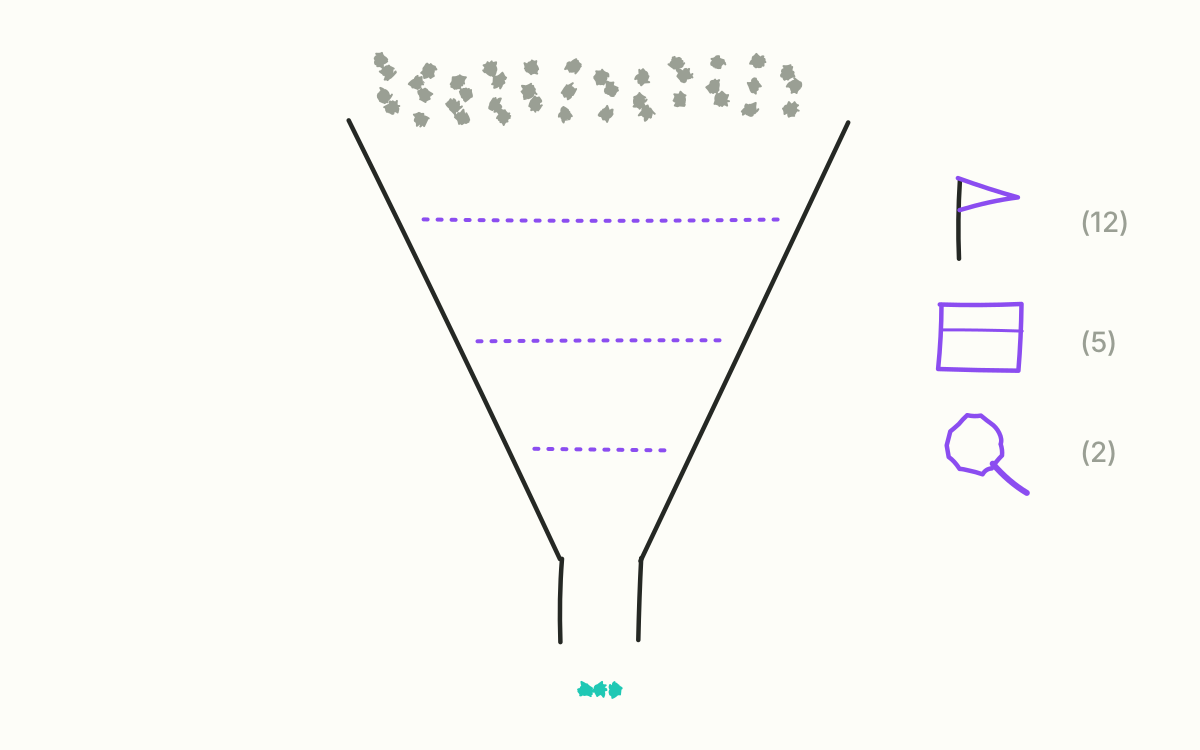
“Show me everything from two marketplaces, but only freight goods.” A sentence anyone in sales understands immediately. In many systems it still means: export to Excel, three filters, a pivot table and the hope that nobody has changed the data in the meantime.
In Pythia it is a selection in two lists.
Multi-select everywhere
Every selection filter accepts several values at once: channel, warehouse, receipt type, product group, country, segment, family, cluster, item and parcel carrier. Every list can be searched, has “All” and “None” and works with the keyboard too.
Next to each value it says how many lines it has in the current time window – counted under the other filters already set. That is exactly the behaviour people know from spreadsheets: you see before clicking whether the selection is worth it.
Text the way you type it
For everything that isn’t a list there is the text filter. It searches for partial terms in description, item number, manufacturer or EAN. Several terms separated by commas are read as “or”. Combined with the other filters, “and” applies. All items with “gazebo” or “tent” in the name, only in our own shop, only in the second quarter – that is one entry and two clicks.
A good filter answers the question you have right now, not the one somebody built in beforehand.
The value that officially doesn’t exist
One filter deserves a special mention: the parcel carrier. Besides the individual carriers there is the value “no parcel carrier”. It sounds like a data error, but it is essentially freight – large, heavy items that are shipped differently. Suddenly a question can be asked that nobody could ask before: how is the freight business actually developing?
An unclear value the ERP sometimes writes in this field stays deliberately visible. Pythia would rather show something it doesn’t understand than let it disappear into an assumption.
Filters apply everywhere
A filter that has been set works the same in the timeline, in the reports and in later analyses, and it sits in the address of every page. Where a type of data doesn’t know a filter – credit notes, for instance, know nothing about the carrier – a note says that the filter only partly applies there.
Next month: what normal looks like – the seasonal profile and a look ahead.